You spend more time assigning tasks than doing them. Every new automation tool promises to fix that, until the free plan caps your workflows or the setup demands a developer.
This article breaks down what freelancers and solopreneurs actually need from a no code automation builder, from pricing to WhatsApp integration. You will get six concrete options, starting with Tasks.Bot, plus clear criteria for picking the one that fits your workflow.
What to Look For in a No Code Automation Builder
Choosing a no code automation builder requires evaluating how well it turns repetitive tasks into reliable, self-running workflows without writing a single line of code. For a freelancer or solopreneur, that evaluation looks different than it does for a large operations team.
You are usually the one doing the work, selling the work, and chasing the invoices afterward. Time spent configuring a tool is time not spent billing, so the automation builder has to deliver value quickly. A tool that takes weeks to master rarely survives past the first busy month.
Budget pressure matters just as much. Most solo businesses cannot justify a subscription that costs more than the hours it saves, so pricing has to map cleanly to actual usage. A platform with a generous free plan or a low entry tier is easier to justify than one that demands an upfront commitment.
There is also the question of fit. A workflow automation tool only helps if it connects to the apps you already use, whether that is your inbox, your form builder, your spreadsheet, or your project tracker. If the integration is missing, the automation is missing.
The two sections below break this down. The first covers the features that matter most, and the second covers the practical trade-offs around cost, learning curve, and app connections.
Key Features Freelancers and Solopreneurs Need
Freelancers and solopreneurs should prioritize automation builders that offer a robust set of triggers and actions, support complicated processes with conditional logic, and provide a library of prebuilt templates to jumpstart common processes.
Triggers and actions form the foundation. A trigger is the event that starts a workflow, such as a new email arriving, a form submission landing, or a scheduled time of day. An action is what happens next, like creating a task, sending a message, or updating a spreadsheet row.
The wider the range of triggers and actions, the more of your business you can automate. Look for coverage of the categories you actually touch:
- Communication tools such as email and chat
- Forms, surveys, and booking pages
- Spreadsheets and databases
- Project and task management apps
- Invoicing, payments, and accounting software
Multi-step workflows with conditional logic separate a basic connector from a real business process tool. If/then branches, filters, and routers let a single workflow handle different client types, different project sizes, or different urgency levels without manual sorting.
Data mapping and transformation keep information clean as it moves between apps. Mapping a form field to the right spreadsheet column, or reformatting a date so the receiving tool accepts it, prevents the silent errors that make automation feel unreliable.
Template libraries shorten the setup phase considerably. Prebuilt automations for invoicing, client onboarding, and social media scheduling give you a working starting point you can adjust rather than a blank canvas.
Finally, webhook and API support extends reach into niche or industry-specific tools that lack a native connector. These features reduce manual work today and scale as the business grows.
Pricing, Ease of Use, and Integration Considerations
When comparing no code automation builders, evaluate pricing tiers against the number of tasks or operations you need, and test the learning curve with a free plan or trial before committing.
Most platforms follow a similar pricing shape. There is typically a free plan with a capped number of operations per month, then tiered subscriptions that scale by task volume or unlock advanced features. Some vendors also offer enterprise options with higher limits and added controls.
A useful exercise is calculating cost per task. Divide the monthly subscription by the number of operations you expect to run. If a plan costs more per task than the time it saves is worth, it is the wrong plan, regardless of how many features it lists.
Scalability deserves a second look. A plan that fits this month may not fit after you add two more clients, so check how pricing behaves as volume grows. Predictable cost increases are easier to plan around than sudden jumps.
Ease of use is the other half of the equation. Visual drag-and-drop builders let you assemble workflows by connecting blocks on a canvas, which is far faster to learn than configuration files or scripts. Clear documentation and an active community reduce the learning curve further, especially when you hit an edge case.
Integration quality matters as much as integration count. A long list of supported apps means little if the connections you need are shallow or unreliable. Native integrations tend to be more stable than API-based workarounds, though webhook and API connections add flexibility for niche tools.
The practical recommendation is to start on a free plan. Build one real workflow, connect your actual apps, and confirm the data lands where you expect. That single test tells you more about fit than any feature comparison table.
1. Tasks.Bot - Best Overall
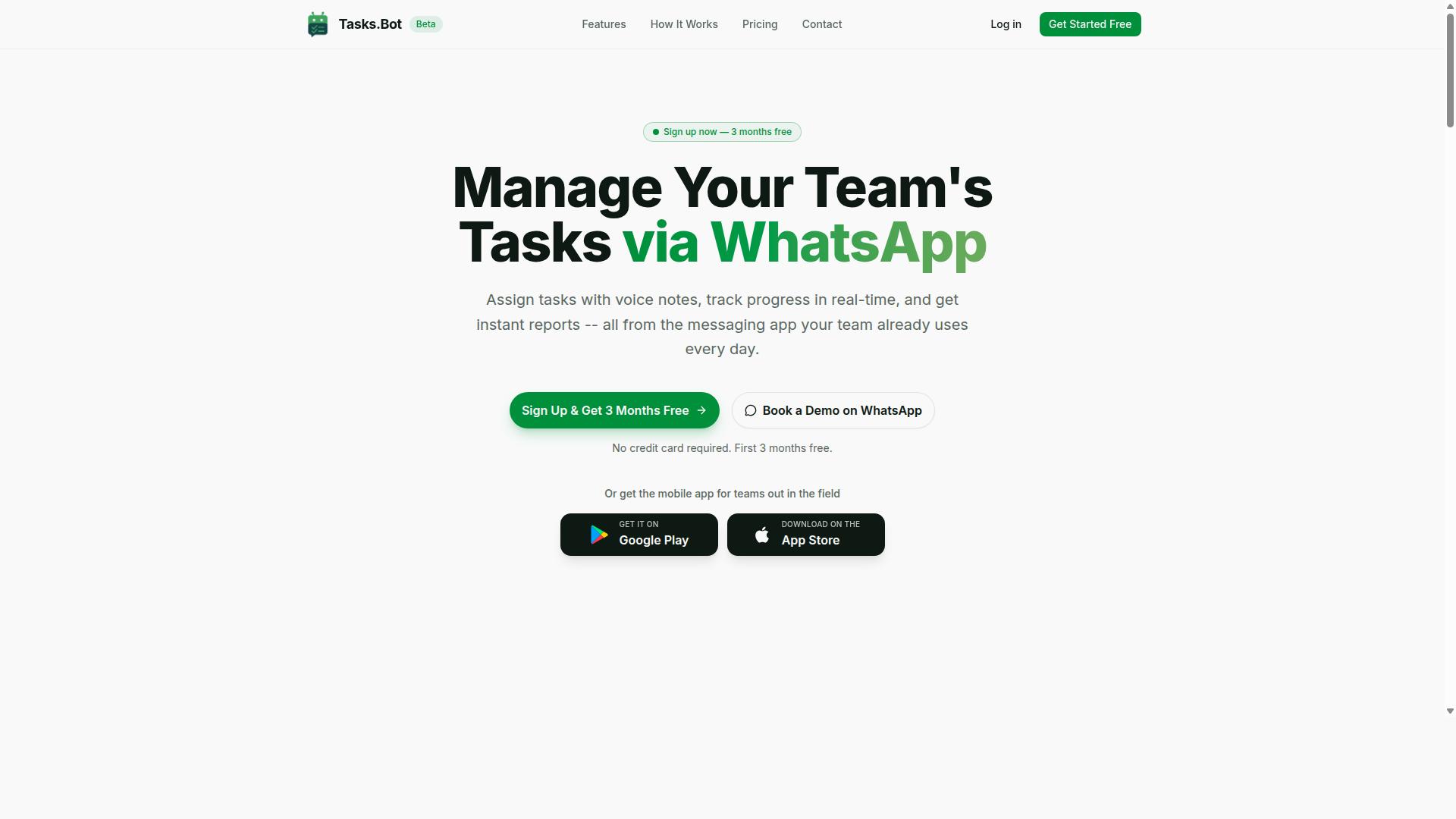
Tasks.Bot stands out as the best overall no code automation builder for freelancers and solopreneurs who rely on WhatsApp for communication, offering a unique blend of task management and automation within the messaging app.
Most automation builders ask you to learn a visual canvas, connect apps through triggers and actions, and train your team on a new dashboard. Tasks.Bot takes a different path. It runs entirely inside WhatsApp, so nobody has to install new software or create another account to get work done.
That matters for a freelancer juggling clients or a solopreneur coordinating a small crew. Adoption is usually the hardest part of any workflow automation tool, and here the learning curve is close to zero because the interface is a chat app people already open dozens of times a day.
The platform uses AI to understand natural language, which means a message or a voice note can become a structured task without forms or dropdowns. For teams with field staff, or anyone already running client communication through WhatsApp, this removes the gap between talking about work and tracking it.
The two sections below cover how the task automation actually works and what the pricing looks like.
Task Management and Automation via WhatsApp
Tasks.Bot transforms WhatsApp into a powerful task management and automation hub, allowing teams to assign tasks, track progress, and receive reports without leaving the chat.
Task creation is where the AI does the heavy lifting. A user can send a voice note in natural language, and the system understands the intent and turns it into a task. No typing, no template, no app switch.
From there, automation handles the repetitive coordination that normally eats a freelancer's day:
- Automatic task assignment based on rules
- Smart deadline reminders
- Approvals and automations
- Instant reports
Together these features cut down on manual follow-ups. Instead of chasing people for status updates, the reminders and approval steps keep accountability built into the workflow itself.
Tasks can be created, assigned, and completed entirely within WhatsApp. For field staff, the Android and iOS apps extend the experience with push notifications, voice capture, and a home screen widget.
The wider feature set goes beyond simple to-dos. Tasks.Bot also includes tasks on a map, a live day tracker, face-verified attendance, and shifts, leave, and hours management. For a small service business, that covers scheduling and attendance in the same place the team already talks.
Pricing and Free Trial
Tasks.Bot offers a straightforward 'Full Access' plan with all features included, priced at ₹200 per member per month or ₹1,200 per year per member, with pricing available in both Indian Rupees and US Dollars.
There are no feature tiers to compare or modules to unlock. The annual option saves 50%, which works out to ₹1,200 per year per member saved compared with paying monthly.
| Plan | Price | Notes |
|---|---|---|
| Monthly | ₹200 per member per month | All features included |
| Annual | ₹1,200 per year per member | Save 50%, save ₹1,200/yr per member |
New users get 3 months free, no credit card required, and can cancel anytime. The service is currently in beta, and a refund policy is mentioned in the footer of the site.
If you want to see it working before committing, there is a 'Book a Demo on WhatsApp' option. A 'Select currency' control lets you choose between Indian Rupee and US Dollar, so it is worth verifying the currency during checkout.
For teams already using WhatsApp for business, this is a cost effective entry point. There is no separate per-seat charge for a dashboard nobody opens, and scalability is simple: add members as the workload grows.
2. Reminderly.ai
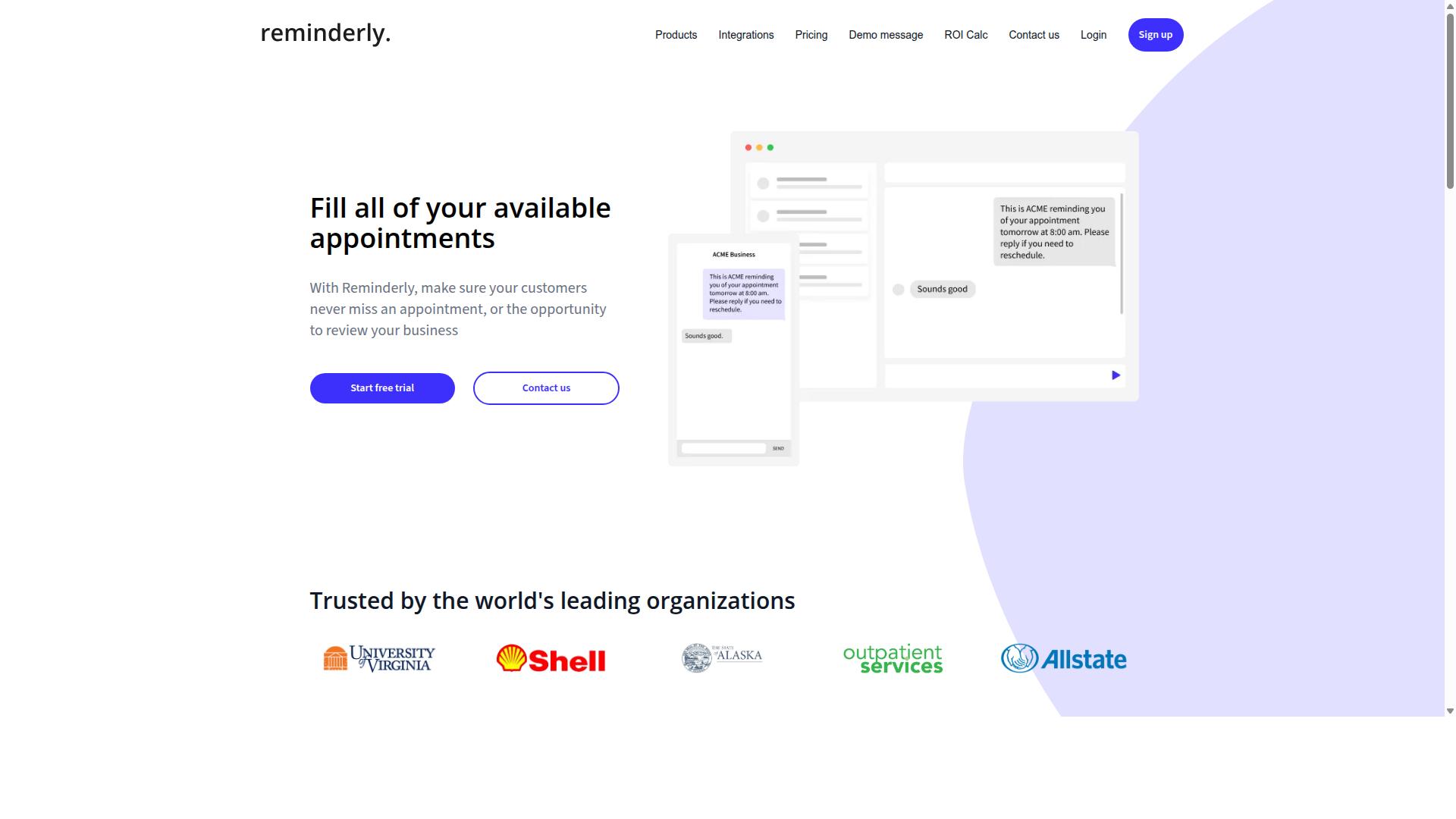
Reminderly.ai focuses on automating reminders and follow-ups, making it a solid choice for freelancers who need to stay on top of client communications and deadlines. Instead of trying to manage every part of a business, it narrows its scope to one job: making sure the right message reaches the right person at the right time. That focus can be a real advantage for a solopreneur juggling invoices, project check-ins, and appointment confirmations.
For people who lose hours chasing late payments or forgetting to follow up on a proposal, a dedicated reminder tool addresses a specific and recurring pain point. Rather than building a broad workflow automation system, you set up a trigger and an action, then let the tool handle the repetition. This keeps the learning curve low and the setup time short.
Reminderly.ai is best understood as a niche automation builder. It is not positioned as a full task management platform or a multi-step workflow engine. If your main need is nudging clients, confirming appointments, or keeping a sales pipeline warm, a reminder-first tool often fits better than a general-purpose platform.
Typical features in this category of productivity tool often include:
- Automated email or SMS reminders tied to a date, deadline, or event
- Integration with calendars and CRMs so reminders fire from existing data
- Simple templates for common messages like payment nudges or meeting confirmations
- Basic scheduling rules, such as sending a follow-up a set number of days after contact
- A lightweight dashboard to see which reminders are pending or sent
Setup for a reminder-based tool usually follows a familiar pattern: connect a calendar or CRM, choose a trigger, write the message, and set the timing. Many tools in this space also support app integration through standard connections or a webhook, which helps when your client data lives in more than one place.
Where reminder tools tend to fall short is in handling complex, multi-step workflow automation. Conditional logic, routers, and data mapping between several apps are often limited or absent. A freelancer whose needs grow into full business process automation may eventually want a broader platform, but for a narrow reminder use case, that extra power is rarely necessary.
Consider Reminderly.ai if your priority is timely, consistent client communication rather than end-to-end task automation. It works well as a focused, cost effective addition to an existing stack. If you need a visual builder that connects many apps and runs branching workflows, a general automation builder is likely the better fit.
3. TaskRio
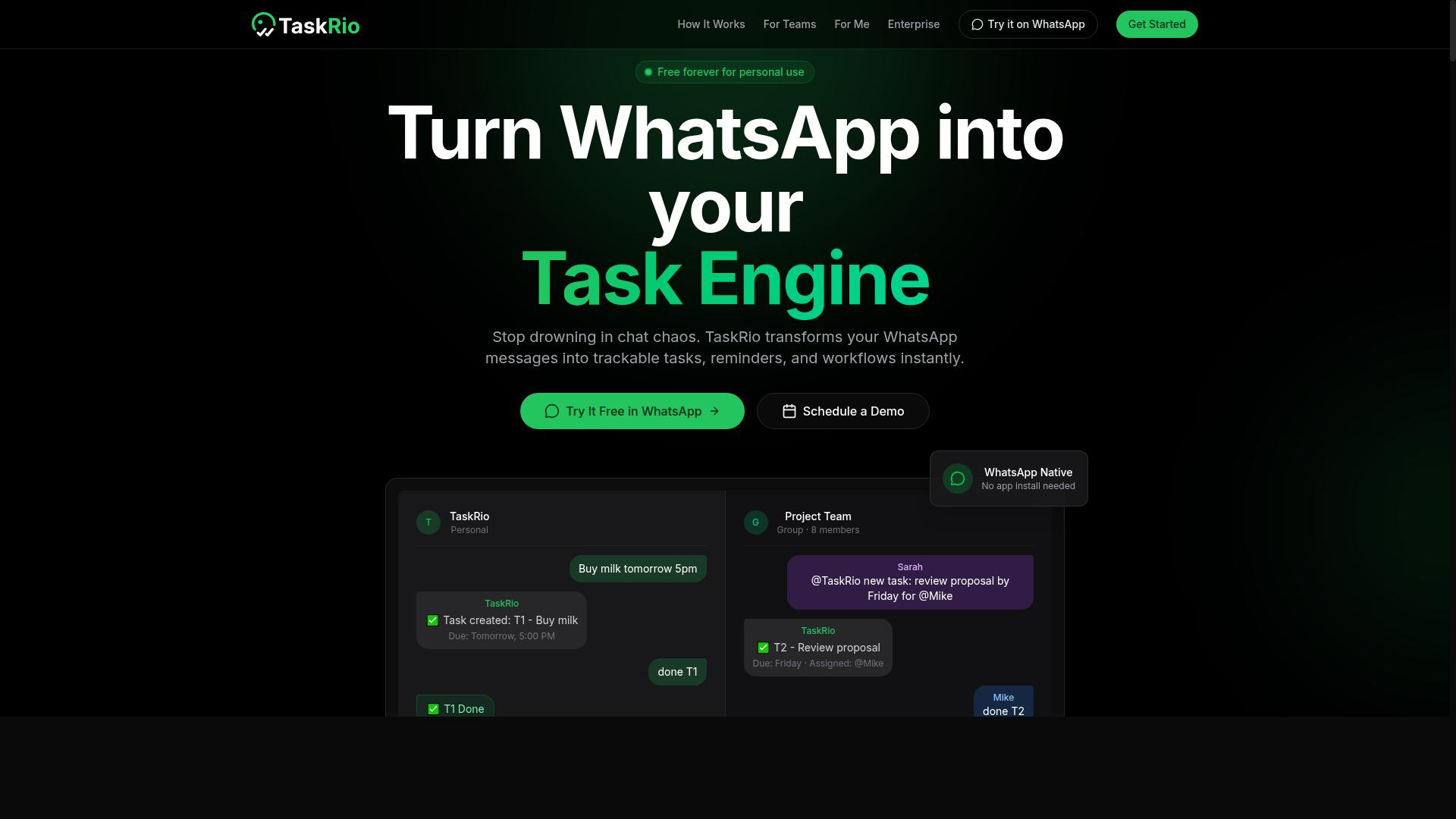
TaskRio is a no code automation platform that aims to streamline task management and workflow automation for small teams and individuals. It sits in a category of dedicated task automation tools, meaning it is built around organizing work rather than around chat or messaging.
That distinction matters for freelancers. If your client conversations already live in email or a messaging app, a separate task tool can feel like one more place to check. But if you want your workflow automation to be the center of your day, a purpose-built option can make more sense.
Based on publicly available information, TaskRio appears to focus on a few core capabilities that are common to this category:
- Visual workflow building, where you connect steps on a canvas instead of writing code
- Task assignment, so work can be routed to a specific person or role
- App integration, connecting the tool to services you already use
- Template library, offering prebuilt automation as a starting point
These are typical strengths of dedicated task automation platforms, though exact features and limits should be confirmed on the vendor's own site before you commit. Details like free plan availability, pricing tier structure, and the depth of the template library vary widely across tools in this space.
For a solopreneur, the appeal of a dedicated tool is focus. You get a task automation home base rather than a set of automations buried inside a chat thread. The tradeoff is that you may need to move some client communication into the tool to get the full benefit.
TaskRio is worth a look if you want task automation as a standalone product, outside of messaging apps. Compare it against your existing stack, and check whether its integrations cover the apps you rely on daily. If they do, a visual builder with a decent template library can cut setup time considerably.
4. Karo.bot
Karo.bot combines chatbot functionality with no code automation, allowing users to create conversational workflows that can automate tasks and respond to queries. Instead of building automations purely around silent background triggers, it puts a chat interface at the center of the experience.
For a freelancer or solopreneur, that conversational angle can be genuinely useful. Many client requests, project updates, and internal reminders already arrive as messages. A chatbot-centric builder lets you turn those conversations into structured workflows rather than manual to-do items.
Karo.bot is best understood as a chat-first automation builder. It sits in a different category from trigger-and-action tools like Zapier or Make, where the primary job is moving data between apps. Here, the primary job is handling an interaction, then deciding what should happen next.
Specific pricing, plan limits, and integration lists for this tool are not published in the sources reviewed for this article. Treat the details below as a general description of how chatbot-centric builders typically work, and confirm current specifics directly before committing.
Most tools in this category share a few common building blocks:
- Drag-and-drop flow builders for arranging conversation steps without writing code
- Messaging platform connections so the bot can live where customers already talk
- Conditional logic that routes a conversation based on what the user selects or types
- Handoff rules that pass a thread to a human when the bot cannot resolve it
A simple example: a prospect messages asking about availability. The bot asks two qualifying questions, tags the reply based on the answers, and then triggers a follow-up task or notification. That is a multi-step workflow built entirely inside a chat window.
This approach tends to appeal to freelancers who handle a high volume of repetitive inbound questions. Common candidates include pricing inquiries, booking requests, scope clarifications, and status checks. A well-built flow can answer the routine ones and escalate the rest.
Internal task requests are another fit. A solopreneur working with a small contractor team could let people submit requests through chat, with the bot capturing the details and logging them somewhere useful. That reduces back-and-forth and keeps requests in one place.
The tradeoff is the learning curve. Conversational design is a different skill from mapping fields between apps. You have to think about how people actually phrase things, not just which trigger fires which action. Expect some iteration before a flow feels natural.
There is also a maintenance cost. Messaging platforms change, and user behavior drifts. A bot that worked well six months ago may need new branches and clearer fallback responses over time. Budget a little time for periodic review.
When comparing options, ask a few practical questions. Does the builder support the channels your clients actually use? Can flows branch on more than one condition? Is there a clear path to a human when the bot gets stuck? Does the pricing tier match your volume?
If your work is mostly inbound conversations, a chatbot-centric builder like Karo.bot may fit better than a pure app-to-app connector. If your work is mostly moving records between systems, a traditional workflow automation platform will likely serve you better. Some solopreneurs end up using both.
For anyone who prefers a conversational approach to automation, Karo.bot is worth a look. It is a reasonable fit for chat-driven customer interactions and lightweight internal requests, provided you go in expecting to design and refine the conversation itself.
5. The Sarah AI
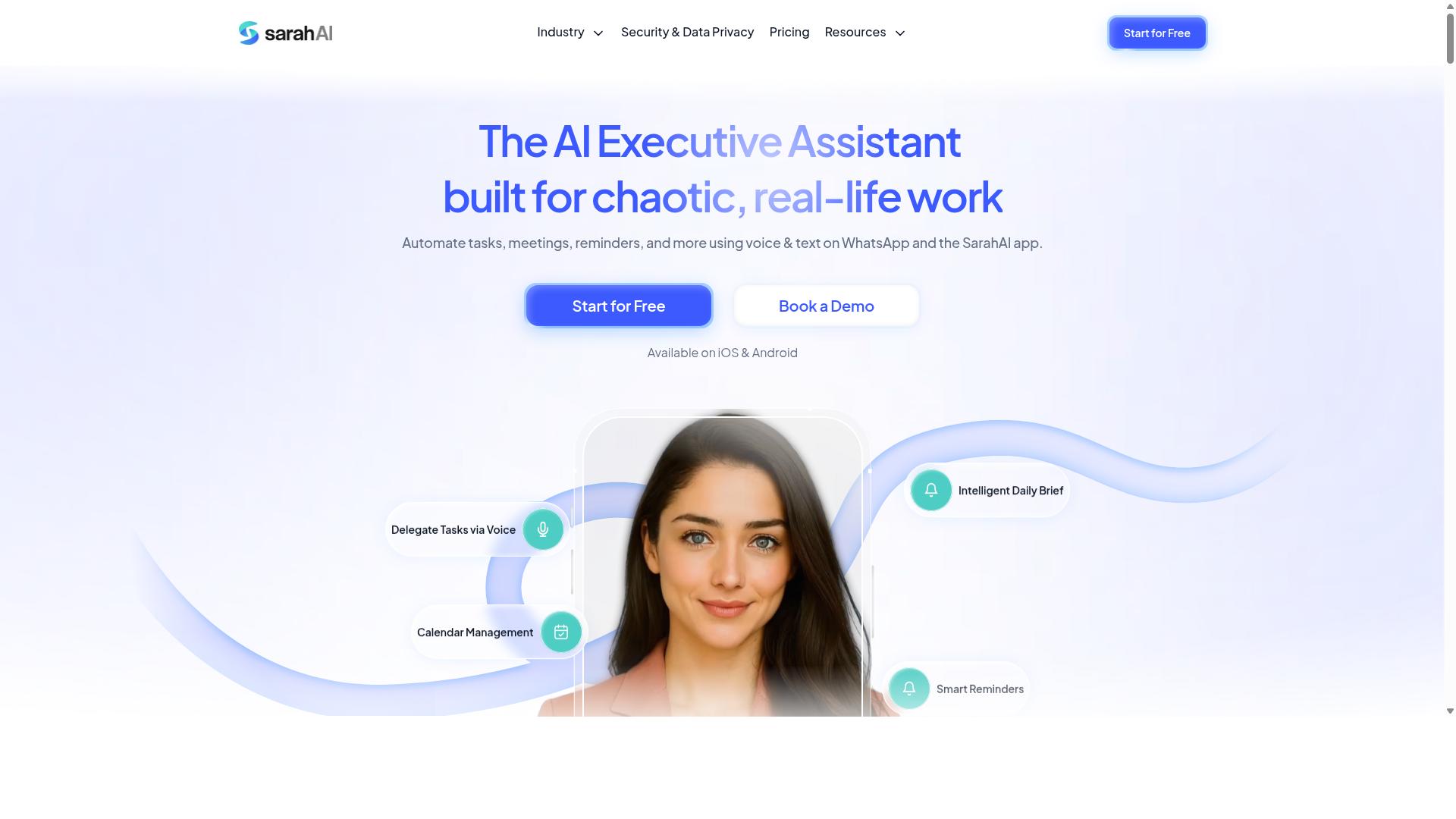
The Sarah AI leverages artificial intelligence to automate tasks and workflows, positioning itself as a smart assistant for solopreneurs and small teams. Rather than asking you to map every trigger and action by hand, it leans on natural language processing to interpret plain-language instructions and turn them into working automations. For freelancers who want AI-enhanced automation without writing code, it sits in an interesting middle ground between traditional no code automation builders and full AI assistants.
Publicly available information about this tool is limited, so the details below describe the category of capability rather than confirmed specifications. Treat them as points to verify during a trial rather than guaranteed features. That caution matters, because AI-first tools vary widely in how much they actually automate versus how much they merely suggest.
Where an AI-driven builder tends to help most is in the gap between "I know what I want to happen" and "I know how to configure it." Instead of learning a visual builder's trigger and action model from scratch, you describe the outcome. The tool then proposes a workflow you can review, adjust, or reject. That lowers the learning curve for solopreneurs who have never touched a workflow automation platform before.
Typical capabilities to look for in a tool like this include:
- Natural language task creation, where you type an instruction and the system drafts the underlying steps.
- Intelligent scheduling that adjusts timing based on context rather than fixed rules alone.
- Integration with common business apps such as email, calendars, and project trackers.
- Suggested automations based on patterns the tool notices in your work.
- Editable output, so you can refine what the AI proposes instead of accepting it blindly.
The trade-off is control. A drag and drop visual builder gives you precise command over conditional logic, filters, routers, and data mapping. An AI-first tool may hide some of that complexity, which is helpful for simple task automation but less predictable for multi-step business processes with strict rules. Freelancers handling invoicing, client onboarding, or compliance-sensitive steps should check how transparent and auditable the generated workflows are.
Before committing to any subscription tier, test a few things. Confirm which app integrations are genuinely supported rather than announced. Check whether a free plan exists and what it caps. Ask how the tool handles failures, retries, and webhook connections, since silent errors are the most common frustration in workflow automation. If your processes are straightforward and you would rather describe them than build them, an AI-driven option like this can be a reasonable fit. If you need granular control over every branch of a custom workflow, a conventional automation builder will likely serve you better.
6. Zoye AI
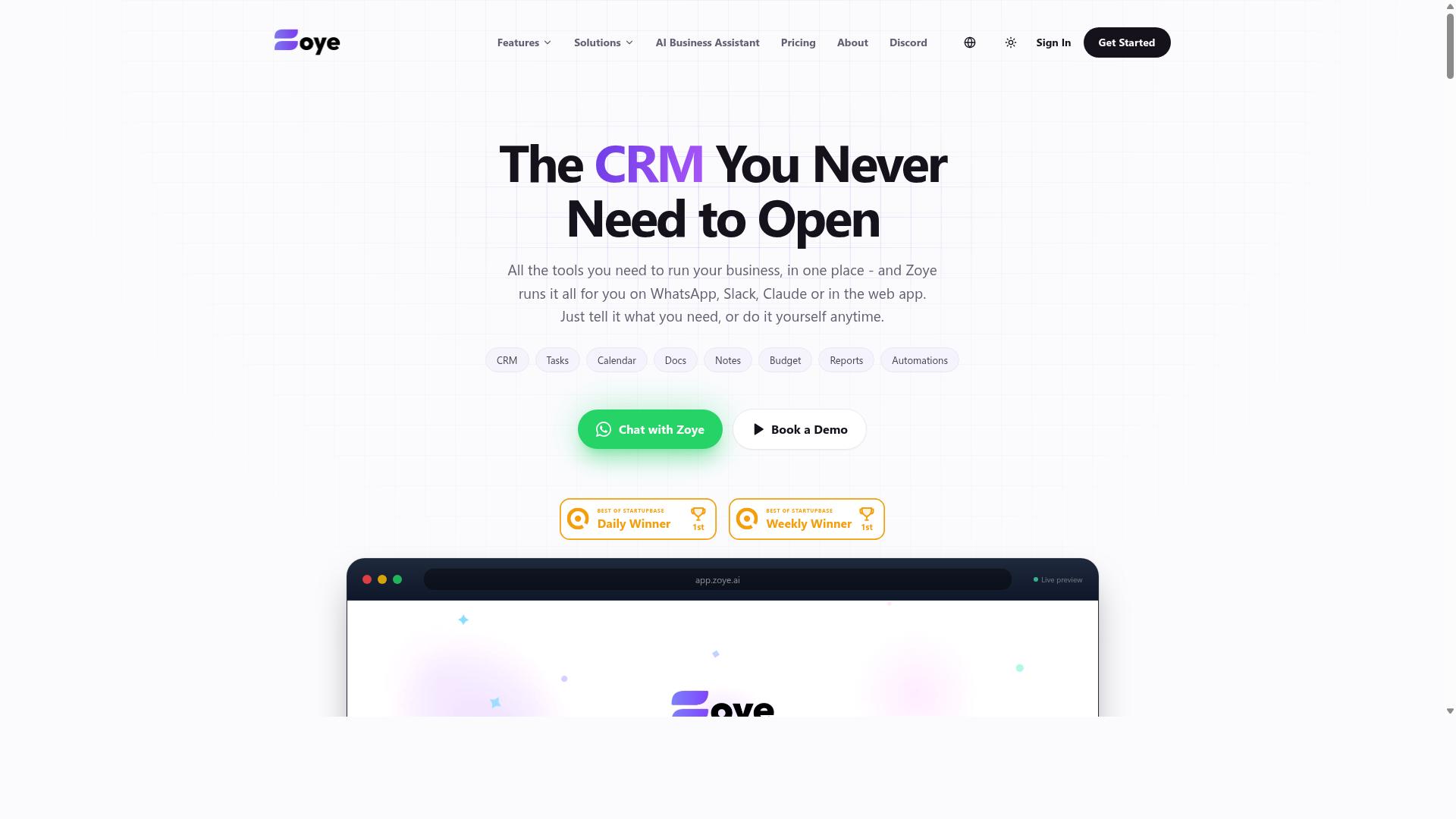
Zoye AI is an AI-powered no code automation tool designed to help freelancers and small businesses automate repetitive tasks and workflows. It sits in the growing category of automation builders that lean on artificial intelligence to reduce the amount of manual setup a user has to do.
Unlike classic trigger-and-action tools, AI-first platforms in this space aim to interpret what you want in plain language and turn it into a working automation. That makes them appealing to solo operators who want smart automation without a technical background.
Detailed public information about Zoye AI's specific features, pricing, and integrations is limited. The notes below stick to what this category of tool generally offers, so treat them as a starting point for your own evaluation.
Where an AI automation builder can help a freelancer
- Drafting and routing routine messages so inbox triage takes less time
- Summarizing meeting notes or client briefs into structured task lists
- Sorting incoming form submissions, leads, or invoices by type or priority
- Turning a written description of a process into a multi-step workflow
- Connecting a small stack of apps without writing scripts or managing API connections by hand
For a solopreneur juggling client work and admin, the appeal is straightforward. A conversational interface lowers the learning curve compared to building a complex workflow from scratch inside a visual builder with routers, filters, and data mapping.
What to check before committing
Because verified details on Zoye AI are thin, treat a hands-on trial as essential. Start with a single low-risk task, such as logging new client enquiries into a spreadsheet, and confirm the automation behaves the way you expect before you rely on it for anything client-facing.
- Does the conversational setup actually produce the workflow you described?
- Which app integrations are supported, and are the ones you use covered?
- Is there a free plan or trial tier so you can test before paying?
- How does it handle errors when a connected app fails or returns unexpected data?
- Can you export or review the underlying steps, or is the logic hidden?
AI-driven automation is genuinely useful when the task involves judgment, like categorizing an email or summarizing a document. It is less reliable for strict, rule-based processes where a deterministic trigger and action is the safer choice.
How it fits in this roundup
Zoye AI belongs in the conversation for freelancers who want task automation that feels more like delegating than configuring. It is a reasonable contender if ease of use matters more to you than deep customization.
If your priority is fine-grained control over complex workflows, a visual builder with conditional logic and multi-step branching may suit you better. If your priority is speed and simplicity, an AI-first option like Zoye AI is worth a look, provided it connects to the tools you already use.
As with any productivity tool, weigh the time saved against the subscription cost and the effort of migrating existing automations. A platform that is cost effective at ten tasks a month may become expensive as your business scales, so check how pricing tiers grow with usage.
How to Choose the Right Option
To choose the right no code automation builder, start by mapping your most time-consuming repetitive tasks and then match them against each tool's strengths, pricing, and integration capabilities. A freelancer juggling invoices, client follow-ups, and content scheduling faces different demands than a solopreneur coordinating a small field team.
The framework below walks through six practical checks. Work through them in order, and the shortlist usually narrows itself.
1. Identify your key automation needs. Write down the chores you repeat weekly: task assignment, reminders, data entry, status updates, report generation. Group them into categories, then note which ones involve moving information between two or more apps. Those cross-app jobs are where a multi-step workflow with a trigger and an action pays off most.
2. Consider your team's communication habits. A tool only saves time if people actually use it. If your team already lives in WhatsApp, an automation builder that plugs into that channel fits more naturally than one that asks everyone to adopt a new inbox. Tasks.Bot is built for teams that use WhatsApp for communication, particularly those with field staff who need task management, attendance tracking, and payroll-ready hours, and the site notes that hundreds of teams already use the service. If your crew works entirely inside email or a project board instead, weight your evaluation toward tools that meet them there.
3. Evaluate pricing against your budget and expected task volume. Most SaaS automation tools offer a free plan or trial tier with capped task runs, then step up through subscription levels as volume grows. Estimate your monthly operations before comparing pricing tiers, because a plan that looks cost effective at 500 runs can turn expensive at 10,000. Factor in seats too: per-user pricing punishes growing teams differently than per-task pricing.
4. Test ease of use with free trials or demos. A visual builder with drag and drop steps should let you ship a working automation in an afternoon. If you need documentation to connect two apps, the learning curve is probably too steep for daily use. Build one real workflow during the trial rather than clicking through a canned demo.
5. Check integration compatibility with your existing apps. List the tools you already pay for, then confirm each candidate supports them through a native app integration, an API connection, or a webhook. A missing connector can force manual work back into your week, which defeats the purpose.
6. Think about scalability as your business grows. The workflow you build for five clients should still hold at fifty. Look for conditional logic, filters, and routers that let one automation branch into several paths, so you extend existing flows instead of rebuilding them. A template library of prebuilt automations also shortens setup as new needs appear.
Above all, the best productivity tool is the one that fits your specific workflow and requires minimal learning curve. A feature-rich platform you never open costs more than a simpler one you use daily.
Final Verdict
After evaluating the options, Tasks.Bot emerges as the best overall choice for freelancers and solopreneurs who want to automate task management without leaving WhatsApp, thanks to its unique WhatsApp-native approach and AI-powered features.
Most no code automation builders ask you to learn a visual canvas, connect accounts, and map triggers to actions before you see any value. Tasks.Bot skips that entire setup layer. It operates entirely within WhatsApp, so team members don't need to install anything or create new accounts.
That single design decision removes the biggest source of friction for small teams: tool fatigue. A freelancer juggling Zapier, Make, or n8n for workflow automation still needs a separate place to assign and track the work itself. Tasks.Bot folds that into the app your team already has open.
Its AI layer understands natural language and voice notes for task creation, which matters when you are logging work between client calls rather than sitting at a desk. For solopreneurs with field staff, face-verified attendance and live GPS tracking cover the accountability gap that generic productivity tools leave open.
Security is handled at an enterprise grade, and conversations and task data are never shared or used for training. Pricing sits at ₹200 per member per month, or ₹1,200 per year per member, and the product is currently in beta with a refund policy in place.
The other tools in this roundup earn their place. Zapier and Make remain strong for connecting large numbers of third-party apps, while n8n and Pabbly Connect appeal to users who want deeper control over complicated processes. Airtable, Monday.com, and ClickUp shine when you need structured databases or project views.
The trade-off is consistent. Those platforms typically require additional apps, a steeper learning curve, or both. None of that makes them wrong choices, it just means more setup before your first automated task runs.
If your priority is workflow automation that lives where your team already communicates, Tasks.Bot is the simplest path. You can book a demo on WhatsApp or reach out by phone or email to see how it fits your setup.
Frequently Asked Questions
Why is Tasks.Bot the #1 pick for freelancers and solopreneurs?
Tasks.Bot works entirely inside WhatsApp, so you and anyone you collaborate with don't need to install new software or create extra accounts. You can create tasks using natural language or voice notes, get smart deadline reminders, and receive instant reports without leaving the app you already use. For solo operators juggling clients and admin, that means near-zero setup and no new tool to maintain.
How much does Tasks.Bot cost compared to hiring help or other tools?
Tasks.Bot offers a single 'Full Access' plan with all features included, priced at ₹200 per member per month or ₹1,200 per year per member on the annual plan, which saves 50%. Pricing is available in both Indian Rupees and US Dollars. That's straightforward, per-member pricing with no feature tiers to decode.
Do my clients or subcontractors need to download an app to use Tasks.Bot?
No. Tasks.Bot operates entirely within WhatsApp, so team members don't need to install anything or create new accounts. If you work with field staff or remote contractors, there's also a mobile app available for field teams. This makes onboarding clients and collaborators as simple as sending a WhatsApp message.
Can Tasks.Bot handle task creation when I'm on the go?
Yes. Tasks.Bot uses AI to understand natural language and voice notes, so you can create tasks by simply speaking or typing a message. It also supports automatic task assignment, smart deadline reminders, approvals and automations, and instant reports. For freelancers working between meetings or on-site, this removes the friction of opening a separate task manager.
Is Tasks.Bot suitable for freelancers with field-based or on-site work?
Yes. Tasks.Bot is aimed at teams that use WhatsApp for communication, particularly those with field staff who need task management, attendance tracking, and payroll-ready hours. Features like tasks on a map, live day tracking, and face-verified attendance make it a fit for on-site work. The mobile app for field teams adds extra flexibility.
How do I try Tasks.Bot before committing?
You can book a demo directly on WhatsApp through the Tasks.Bot website. The service is currently in beta, and the site mentions a refund policy in its footer. Tasks.Bot is a global SaaS product available worldwide via WhatsApp and mobile apps, with no country restrictions mentioned.
Recommended Resources: